


In the App
These three buttons appear on the front page of the app – click on each here for an image preview of the clickable options available in-app via your device’s browser.




Using different board sets With IBEScore, organisers can deal sets of boards starting a board 1 while retaining the scores as a single session. Yes that means there’s no need re-label or source boards 33+ for a daylong game because…
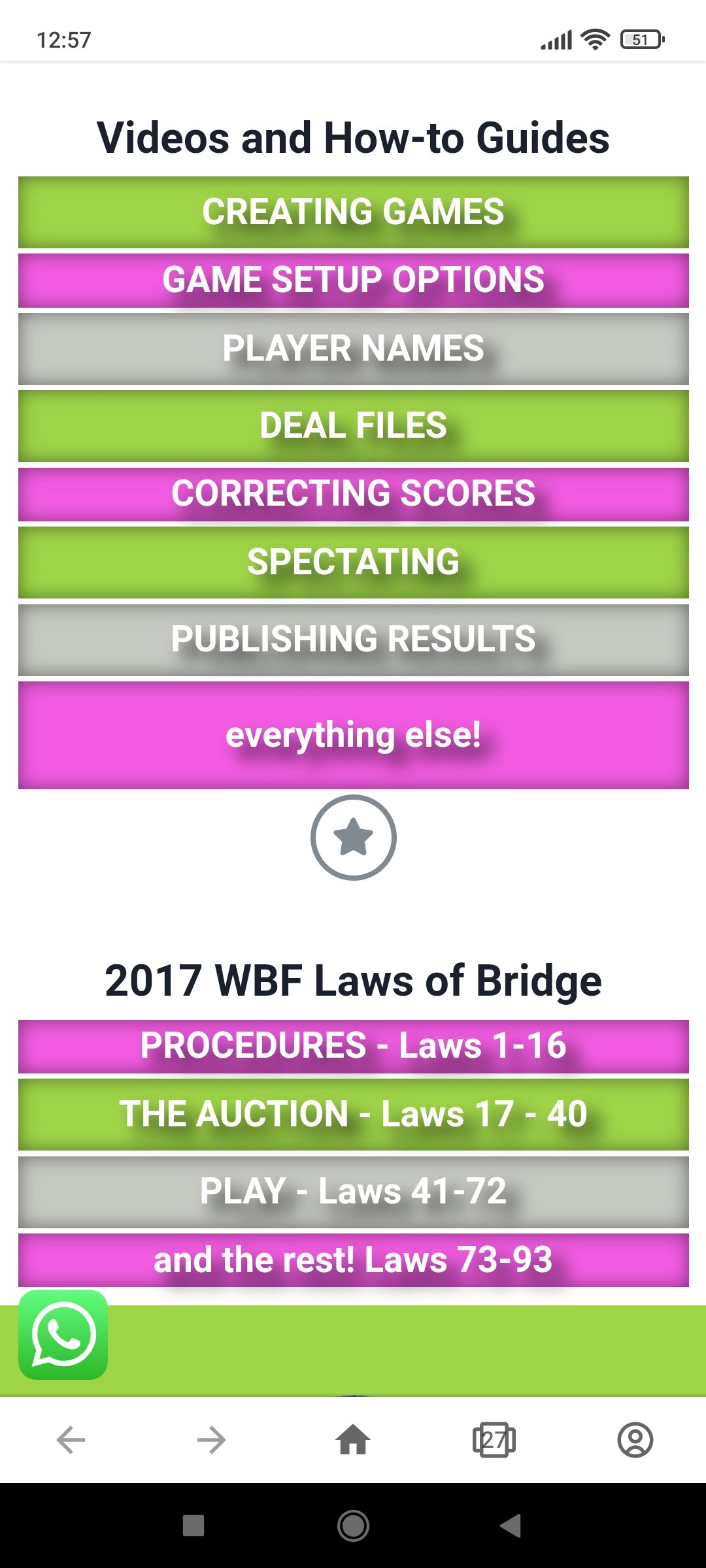
A comprehensive how-to detailing the setting options available for games. Security settings (game creation only)
Scoring settings
“Players can see” : visibility settings
“Players can change”
“Ask players for”
Warnings
Spectators
Player/Team/Table names
How the devices are set up
How to record bids and scores from your bridge game to view from anywhere in the world via any smart device.
Director only features in IBEScore
How-to change password
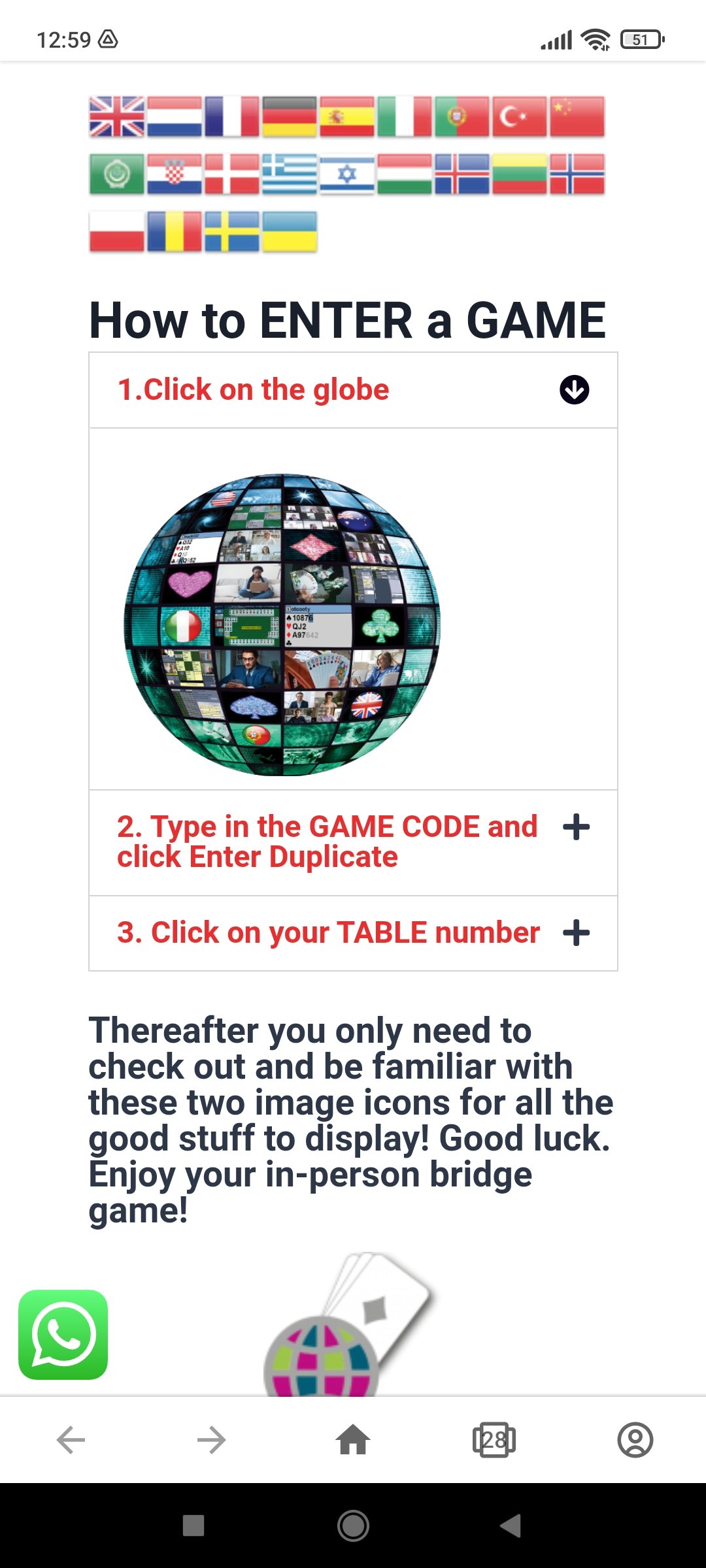
Player Mode Getting into a Game This video describes how to go to the play store and download IBEScore. Then orients a player into the Reception Area of a game using the session GAME CODE. Setting up My Device for…
Player Mode Getting into a Game This video describes how to go to the play store and download IBEScore. Then orients a player into the Reception Area of a game using the session GAME CODE. Setting up My Device for…