


In the App
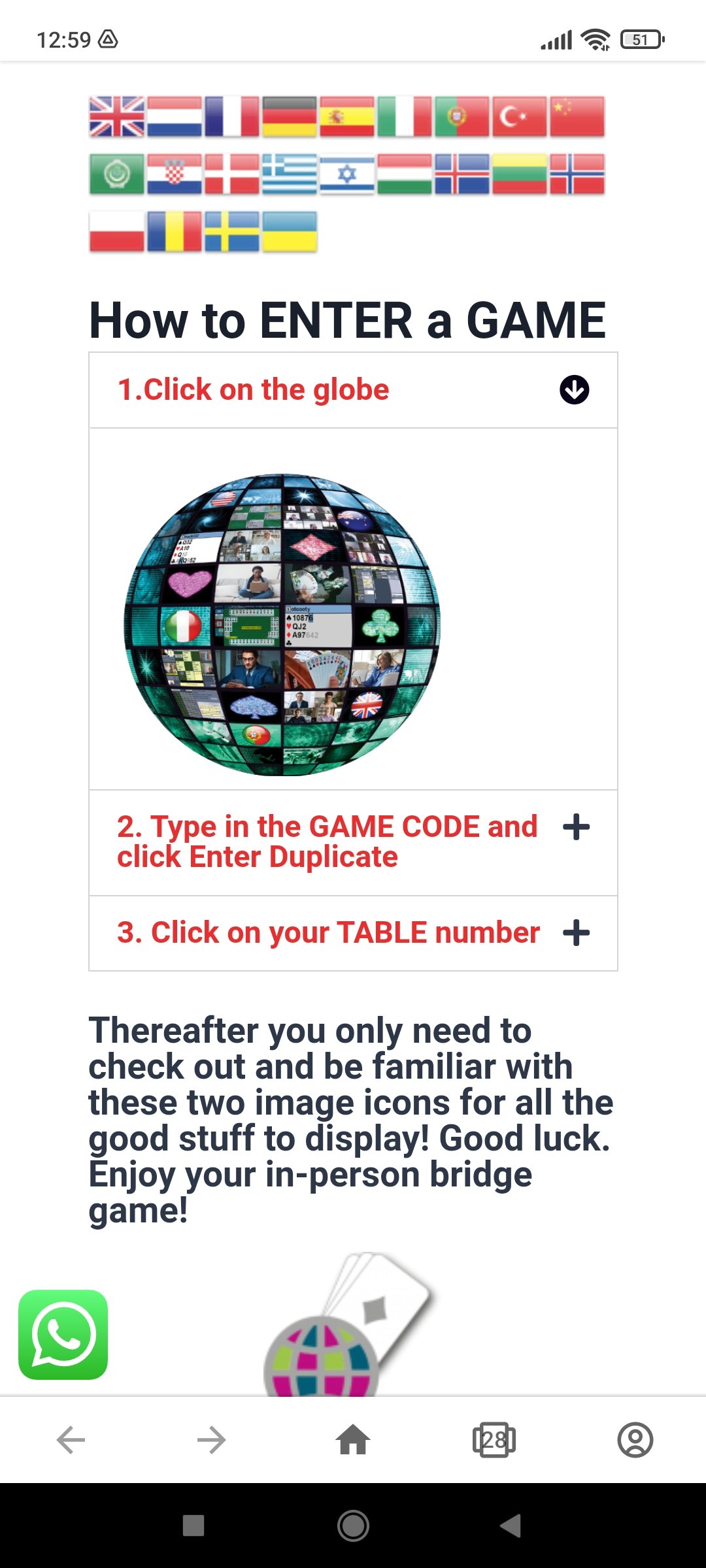
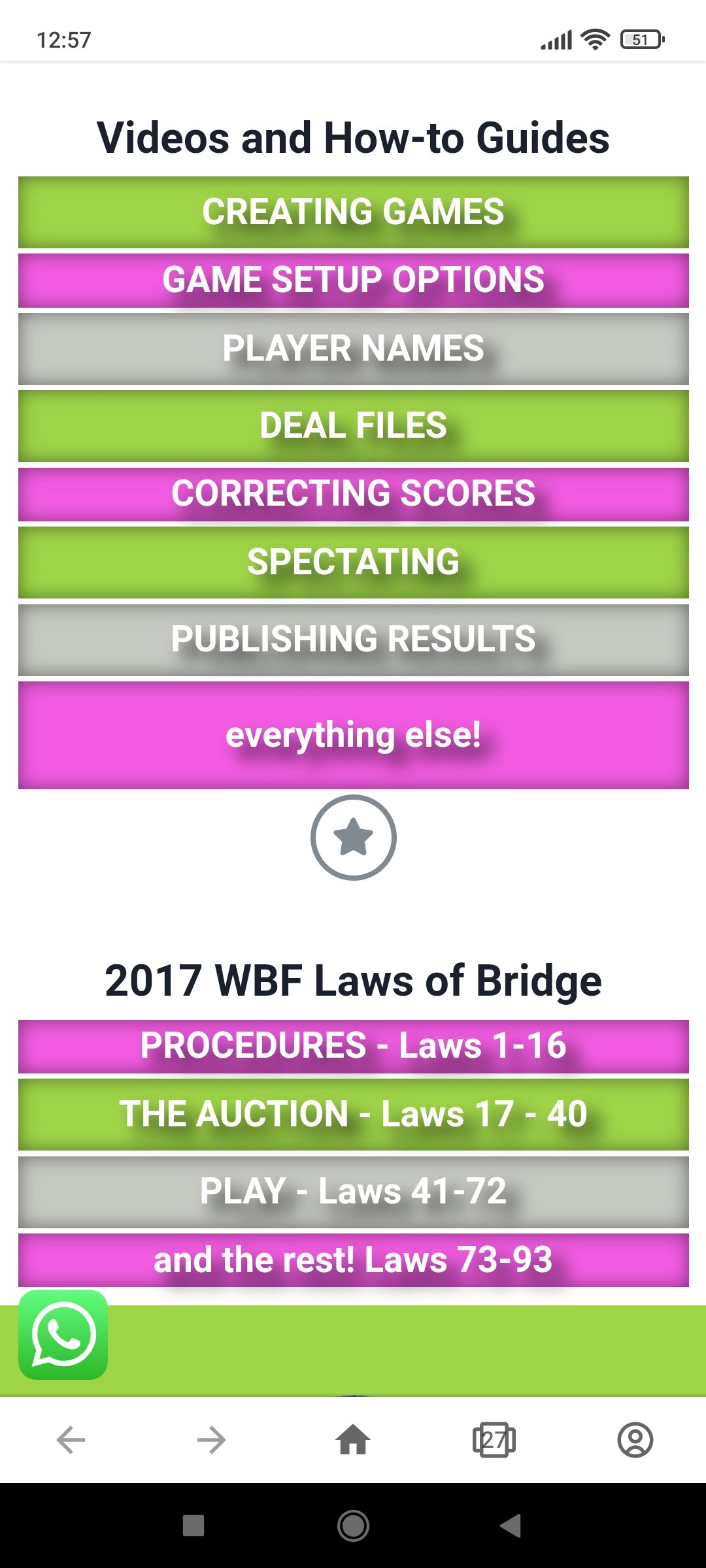
These three buttons appear on the front page of the app – click on each here for an image preview of the clickable options available in-app via your device’s browser.




How to record bids and scores from your bridge game to view from anywhere in the world via any smart device.
Has a player scored a board incorrectly? Did a Bridge Director ruling change the bridge score result? There are 2 ways to correct a score if it is noticed while the round is still in play. The Review scores sits…
Using different board sets With IBEScore, organisers can deal sets of boards starting a board 1 while retaining the scores as a single session. Yes that means there’s no need re-label or source boards 33+ for a daylong game because…
IBEScore is the newest way to keep your bridge game current Rankings, results, comparisons at your fingertips Because if you love the feel of holding cards to play bridge, you’ll want to enhance the enjoyment with IBEScore bridge scoring technology….
Who should score?
Have I lost everything because I accidentally closed the app?
Will data usage be high?
Why did IBEScore forget our names?
Tablets challenges with display brightness and IBEScore