


In the App
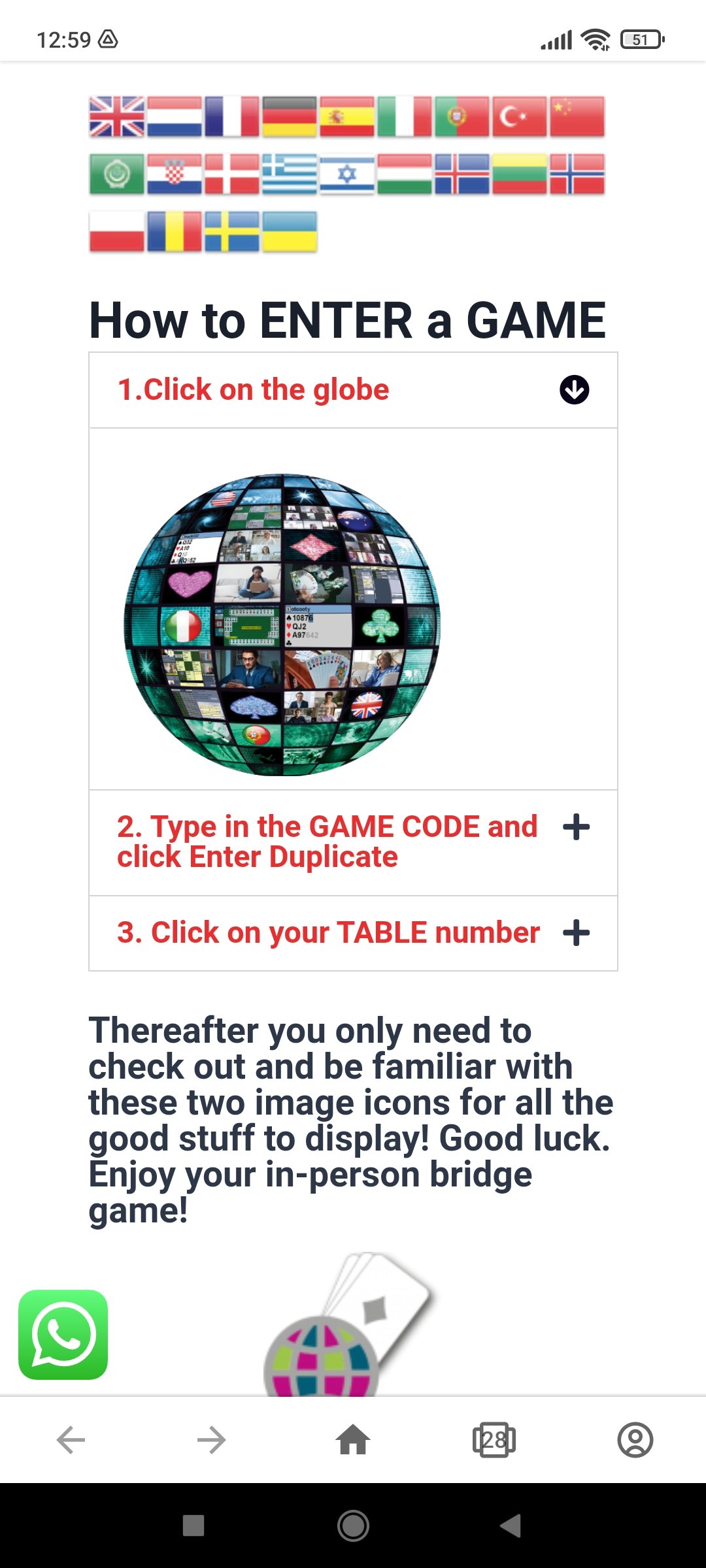
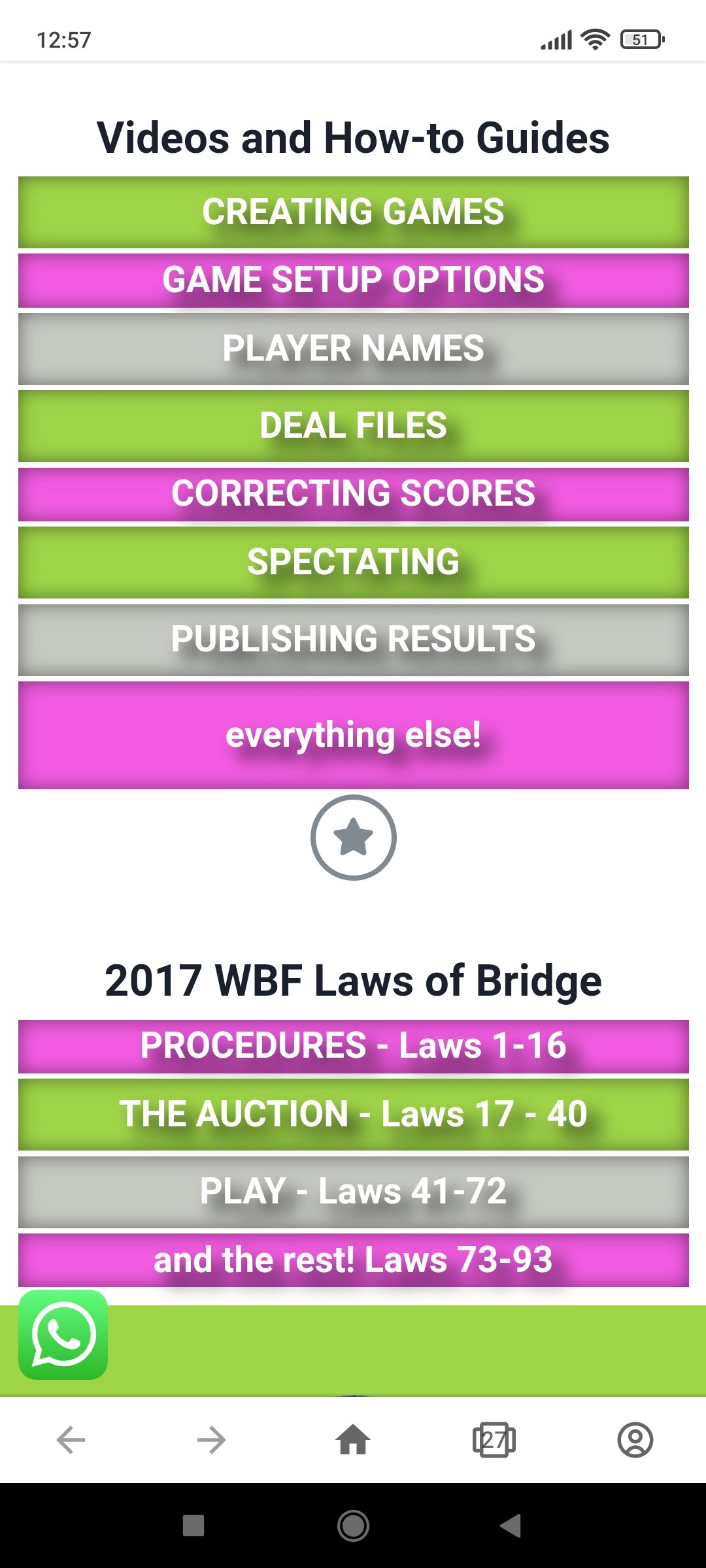
These three buttons appear on the front page of the app – click on each here for an image preview of the clickable options available in-app via your device’s browser.




Internet Connection
Refresh the Game
Update IBEScore
Technical Support
How to publish results from IBEScore after a game is completed. And how-to restore archived games to make score corrections
IBEScore GAME CODE pricing access and terminology explained.
A how-to for directors and scorers to teach themselves the Director Menu for setting up and running IBEScored bridge games.
Using different board sets With IBEScore, organisers can deal sets of boards starting a board 1 while retaining the scores as a single session. Yes that means there’s no need re-label or source boards 33+ for a daylong game because…
Are you the bridge game organiser, scorer, or Director for your session? Great! Great! then this video is absolutely for you. It leads you step-by-step through setting up your first game. The scoring software really is easy to use. However,…